
Rapid concept boards
Generate several angles or colorways in one session. Keep prompts parallel—same lighting and camera language—so you can compare Klein outputs side by side.
Open-weight Klein is pre-selected in the image workbench below. Describe a scene, pick 1K–4K output, and generate up to four stills in one run without leaving this page.

Sign in to generate. Credits are shown before each run; complimentary credits depend on eligibility and region. Pricing and credits
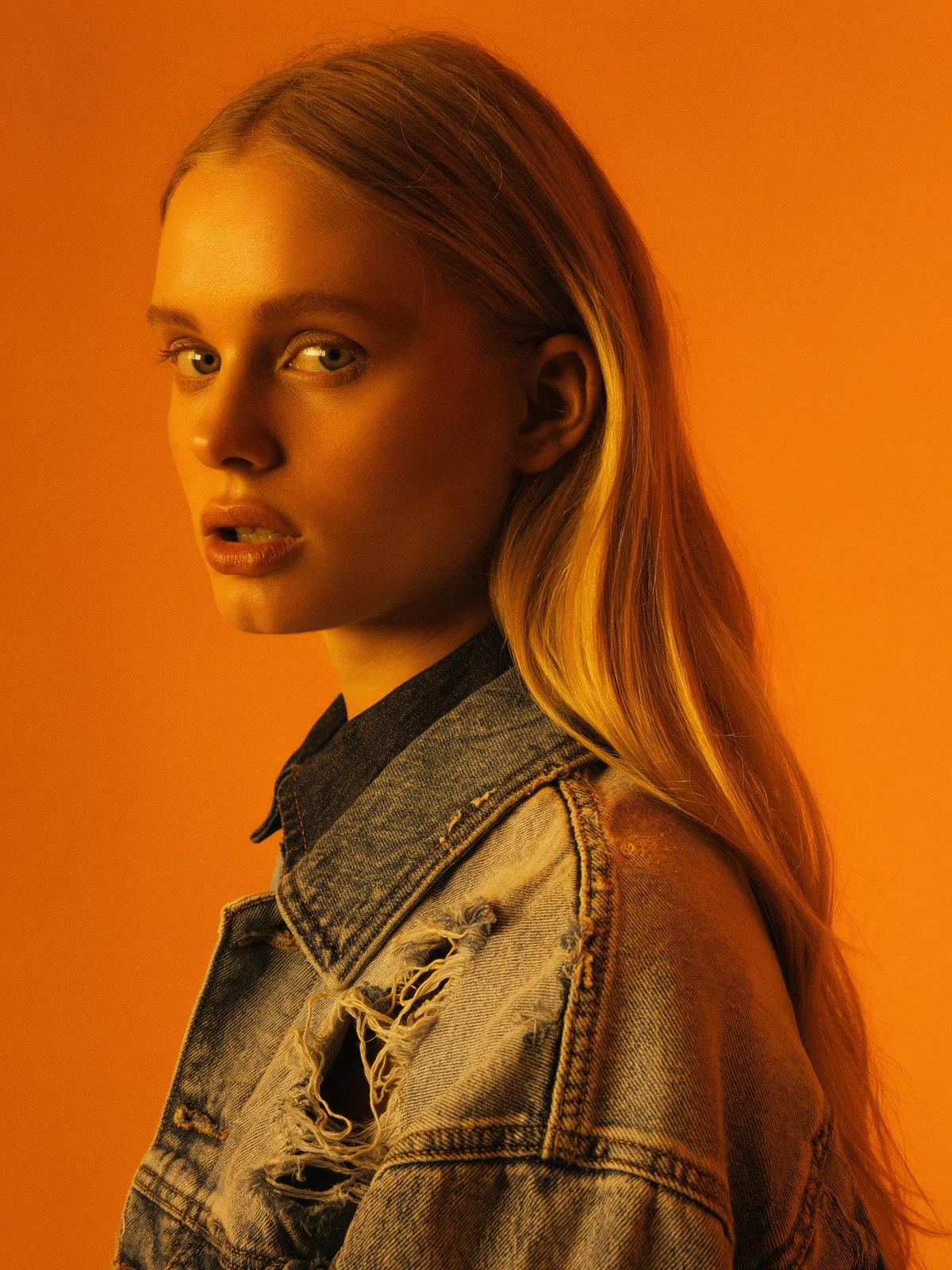
Loading preview…
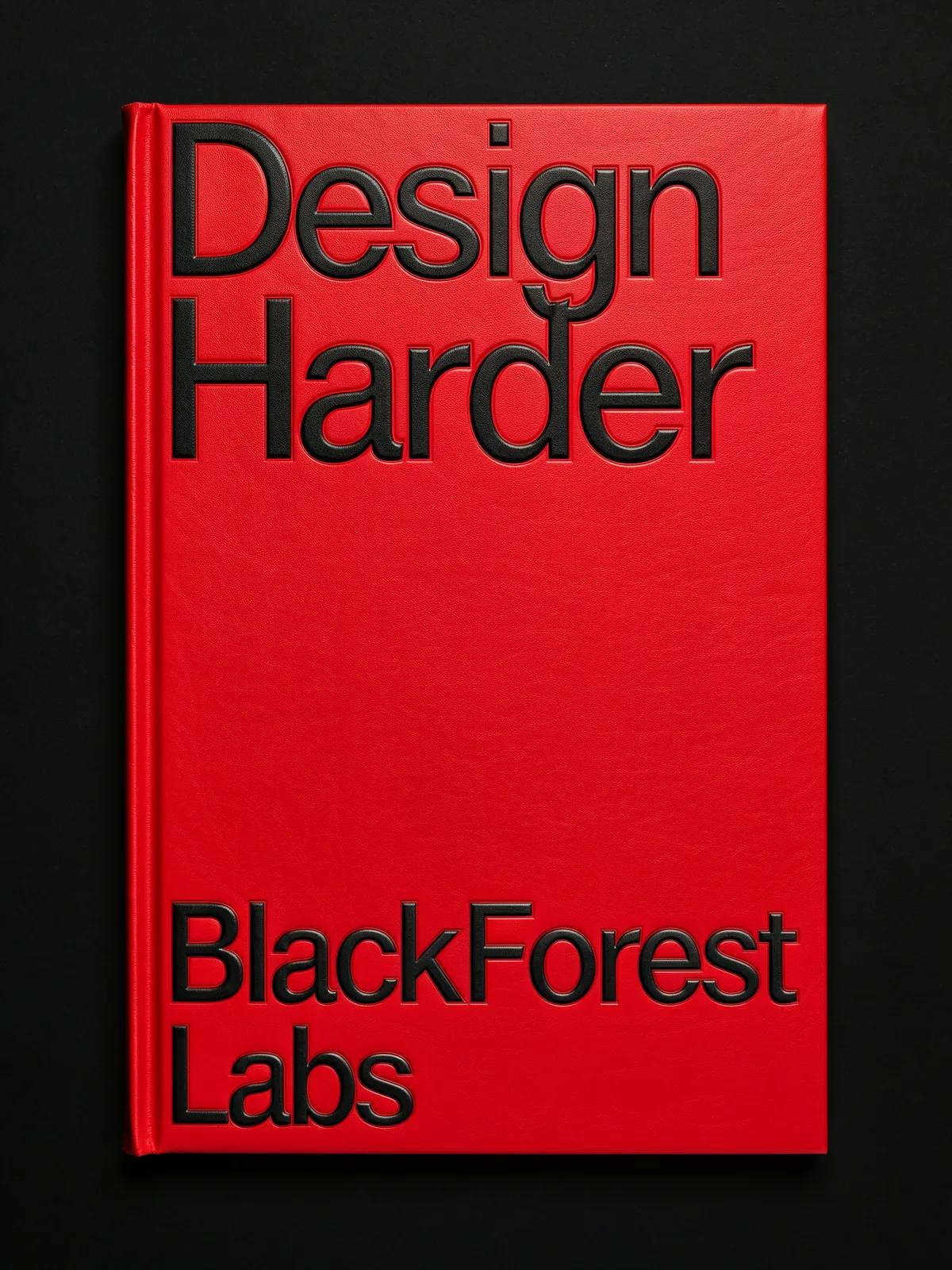
Loading preview…
Generate several angles or colorways in one session. Keep prompts parallel—same lighting and camera language—so you can compare Klein outputs side by side.
FLUX 3 Image models are used for short in-image lettering when you specify the exact line and placement. Start at 1K, then move to 2K or 4K once the layout reads.
Lock a hero still here, then open the Flux 3 Video landing if the campaign needs motion from the same brief.
Flux 3 Image Klein is Black Forest Labs’ smaller image model in the FLUX 3 family. Black Forest Labs documents it as a 5.6B-parameter open-weights model for text-to-image generation and editing, with optional multi-reference inputs in its own products.
On Pixwit this landing opens the standard image generator with `blackforestlabs/flux-3/klein/text-to-image` already chosen. You write a prompt, set aspect ratio and resolution, and generate stills in the browser. The workbench here is text-to-image generation; for instruction-based edits on an existing photo, use the AI image editor and its Flux 3 edit models when they appear in that catalog.
Klein is tuned for fast iteration. Pixwit exposes the same 1K, 2K, and 4K resolution choices for Klein and full Flux 3 Image, but Klein’s credit quote per still is lower at each resolution tier in the current integration.
Choose Klein on this page when you need many drafts in one session, when you are exploring layout and lighting, or when you want up to four variations from a single click. Move to the full Flux 3 Image landing when a shot needs the higher-tier image model and you are willing to spend more credits per frame for that pass.
Work through these steps with Klein left selected so each test stays comparable.
Scroll to the docked form. Flux 3 Image Klein should already be active. If you switched models, pick Klein again before spending credits.
Choose the crop your channel needs—square, portrait, widescreen, or one of the extended ratios in the control panel. Pick 1K for quick layout tests, 2K for social delivery, or 4K when you need a larger master.
Name the subject, materials, light, and camera height. Put exact wording for in-image text in quotes and say where it sits. Black Forest Labs recommends full scene descriptions for FLUX 3 Image models rather than one-word prompts.
Klein supports native batches up to four stills. Check the credit amount on the generate button after changing resolution or count, then submit when the quote matches your plan.
If composition is right but a label or color is wrong, keep ratio and resolution fixed and adjust only the phrase that failed. Regenerate before rewriting the entire prompt.
Example prompt
Matte teal ceramic vase on pale oak, soft morning window light, realistic product photography.
Start with one clear brief and iterate in the docked form.