

Product Template
A product template on this page places one catalog photo into ready-made display scenes so you can ship consistent listing images without rebuilding lights in a desktop editor.
Upload a product photo, pick the scenes you need, nudge size and position, then export 1000×1000 squares for marketplaces and social grids. The workbench below is the editor. The rest of the page explains when a product template beats a one-off mockup.
Upload Product Image
Drag & drop or click to upload your product image
Supports JPG, PNG, and WebP up to 20 MB. Background cleanup is available for suitable product images.
Generate
🖼️ Auto White Background Removal
AI background cleanup can separate suitable white-background product photos so they blend more naturally into the selected scene.
Upload Your Product
Drag your product photo into the upload area
Choose Templates
Click to select the styles you like
Generate & Download
Your images are ready — download them all at once

Pink Purple Gradient

Ocean Blue Gradient

Warm Orange Gradient
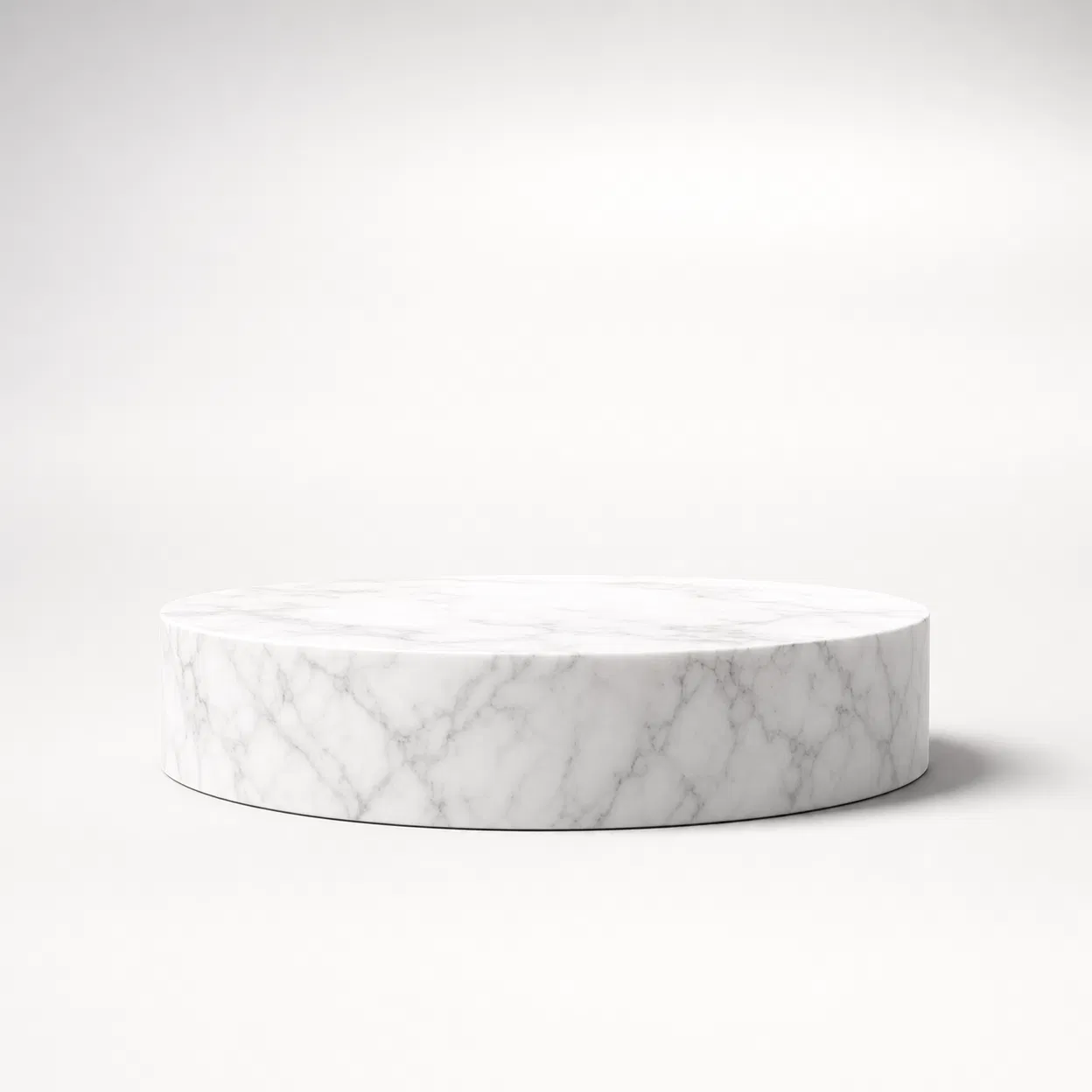
White Marble Podium
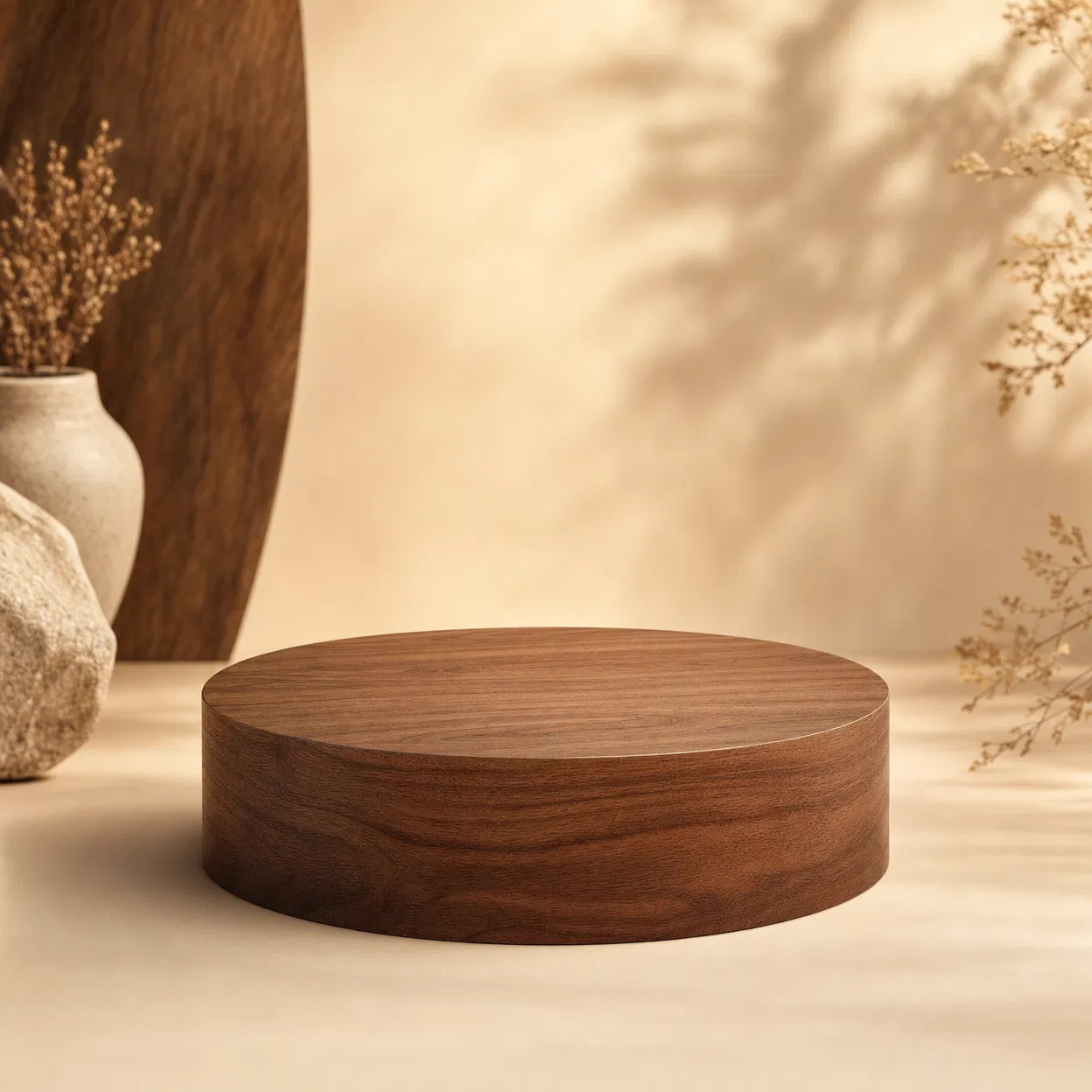
Walnut Wood Podium

Tropical Leaves

Cherry Blossom

Sage Green Minimal

Christmas

Pure White Studio

Dark Studio

Black Gold Luxury
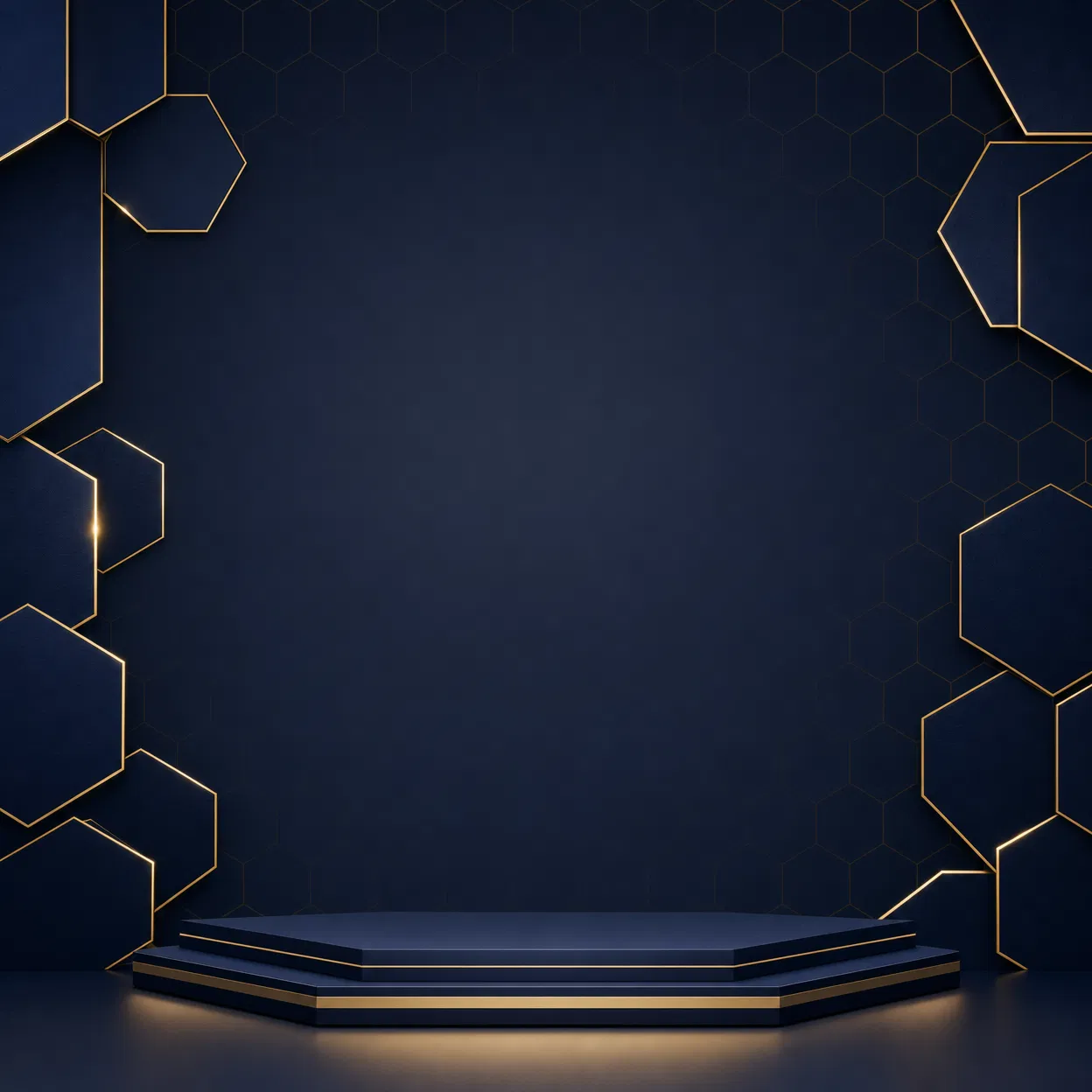
Dark Blue Geometric
How to apply a product template
Upload a catalog photo
Drop a JPG, PNG, or WebP of the SKU. Composites look cleanest when the item sits on white or a pale sweep so background cleanup can isolate the silhouette before it meets the scene.
Choose the display scenes
Select one style or several. Gradient, podium, nature, holiday, studio, and luxury looks share the same square frame. They are variants of one canvas, not separate apps you have to relearn.
Generate and download squares
Preview shadows, then download files one by one or as a ZIP. You stay on this URL. There is no extra checkout just to try a scene on a sample bottle or box.
What this product template workflow includes
Thirteen curated display scenes
Gradients, marble and wood podiums, tropical leaves, cherry blossom, sage, Christmas, white studio, dark studio, black-gold, and geometric luxury all export at 1000×1000 so a catalog grid stays aligned.
Shadows that match the scene
Soft contact shadow, harder studio falloff, or a floor reflection is baked into each backdrop so the SKU does not float like a sticker on a stock wallpaper.
Background cleanup before the composite
When the source is a typical white pack shot, cleanup can strip the sweep so bottles, boxes, cosmetics, and gadgets sit on marble or foliage without a cardboard halo.
Position and scale on the canvas
Edit & Apply lets you drag the item and change size before you commit. A perfume bottle and a shoe need different scale inside the same square, even when the backdrop is identical.
Square exports marketplaces already expect
Amazon, Shopify, Etsy, and Instagram grids still prefer a square hero. Exporting that size here means you are not cropping a 4:5 lifestyle shot at upload time.
Batch a full scene set
Generate All applies the upload across every selected backdrop in one pass. That is how a small catalog stays visually consistent without thirteen separate Photoshop files.
A practical guide to using a product template
A product template is a reusable scene: fixed backdrop, lighting cue, and square crop, with a hole where your SKU sits. You are not generating a new object. You are dropping a real product photo into a display that already looks like a listing. The notes below cover what to shoot, how to judge the composite, and when to leave this page for a full lifestyle generator.
What a product template is doing
Design teams used to save a layered PSD as a product template: marble slab, shadow layer, smart object. This page is that idea in a browser. You keep the true shape, label, and color of the product. The scene only supplies the room around it. It is not a 3D renderer and it is not a prompt that invents a fake bottle. If the source product photo is blurry, every export will be blurry. Treat the first composite as a listing draft you inspect at 100 percent zoom, especially around bottle necks, jewelry clasps, and shoe laces.
Photos that sit cleanly in a product template
Strong inputs have a readable outline: a serum on white paper, a speaker on a pale table, a shoe photographed from a three-quarter angle with even light. Weak inputs fight the mask: a black gadget on a black sofa, a white sneaker on a white bedsheet, motion blur, or a crop so tight that the item touches every edge. Phone photos are enough if you step back and fill the frame with the object. When the only file you have is a cluttered desk shot, run cleanup first, then drop the cutout into the scene instead of cloning the mess by hand.
How to pick a scene for the category
Beauty and jewelry usually read better on marble, floral, or black-gold surfaces because shoppers already associate those counters with retail. Electronics and gadgets sit more honestly on blue gradients, dark studio, or geometric luxury. Food, coffee, and home goods often match wood podium or sage. Holiday SKUs can use the Christmas backdrop without a separate seasonal designer. If you sell one item in several colors, keep the same scene and only swap the upload so the grid looks like one brand, not thirteen random stock photos.
Marketplace grids, ads, and social crops
A marketplace grid is a wall of squares. Always exporting 1000×1000 keeps thumbnails aligned when a shopper scrolls. Shopify themes and many Amazon image slots still assume that hero ratio. Instagram feed tiles are square as well, so the same file can move from listing to post without a second crop. Paid ads sometimes want 4:5 or 9:16; in that case export the square, then letterbox or extend in another Pixwit tool rather than stretching the SKU. Do not add fake badges or invented claims on the image if the marketplace forbids promotional overlays.
Product template versus a photo generator
This URL composites your product photo. A product photo generator can invent a scene, a model, or a new camera angle. Start with a product template when the pack shot is already approved and you only need display variety. Jump to a generator when you have no usable product photo, need a hand holding the item, or need lighting that a static backdrop cannot fake. After you like a still, Pixwit video tools can animate it, but motion is optional. The job of this page is a still you can upload today.
Quality checks before you publish
Zoom the preview. Look for leftover white fringe, a shadow that does not match the floor, or a SKU that is too small so the label becomes unreadable in a phone thumbnail. If the item looks pasted, reduce scale slightly or pick a softer scene. Keep the original photograph; some platforms ask for both the styled square and an unedited pack shot. Name files with SKU plus scene so a future restock does not mix Christmas exports with the everyday studio look. If two colorways share a filename, the wrong swatch will go live.
Lighting, labels, and legal photos
A scene cannot rescue a photo shot under yellow kitchen bulbs or with a crushed label. Photograph the item in even daylight or a cheap softbox, square to the lens, with the front panel readable. Trademarks, licensed characters, and other people’s faces still need permission even after a pretty composite. If a retailer requires a pure white infographic image, keep one unstyled pack shot in the gallery and use the styled squares as secondary images rather than replacing the required white plate.
Background reading: Product photography (Wikipedia)
Where a product template is used
Amazon, Shopify, and Etsy listings
Replace bedroom-floor snapshots with a consistent product template so product listings line up in search. Shoppers compare five similar bottles; the cleaner product photo usually wins the click even when the formula is the same.
Launch kits and wholesale lookbooks
A small brand can generate a scene set for press, Amazon A+ modules, and wholesale PDFs in one sitting instead of booking a new set for each channel.
Seasonal and campaign refreshes
Keep the SKU photo and only change the backdrop: Christmas for Q4, marble for a premium drop, tropical leaves for summer. The item stays the same photograph; the display changes.
Social tiles and marketplace ads
Export the square, add price type in your ad tool, and you have a feed asset. You do not need a separate designer for every SKU if the lighting already matches the brand.
Product template questions
Related product photo tools
Generate a product template set
Scroll to the workbench, upload one product photo, and export the square scenes you need for listings and social tiles.