
AI Video Workflows
51 workflows to explore. Choose a visual direction, check the required inputs and review the quote before generating.
Category
51 workflows
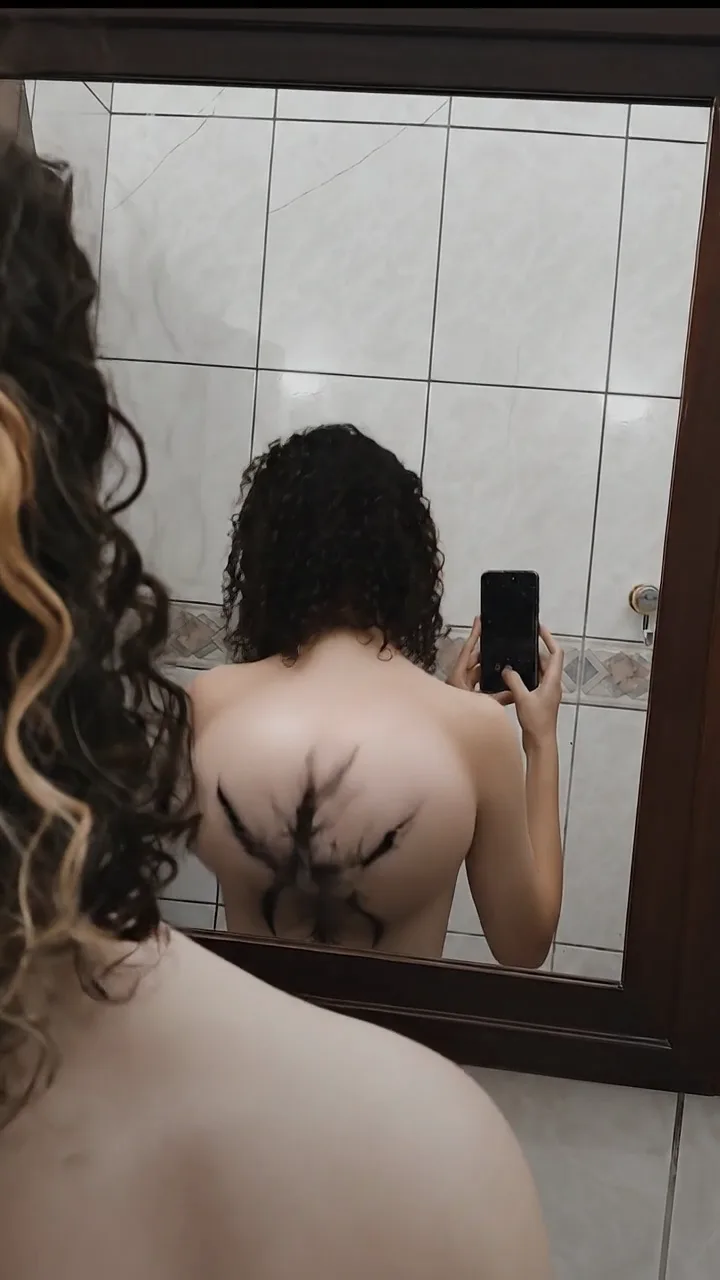 Single shotFrom ~14 credits
Mirror Horror
Explore a disturbing reflection and a focused horror beat.
Text
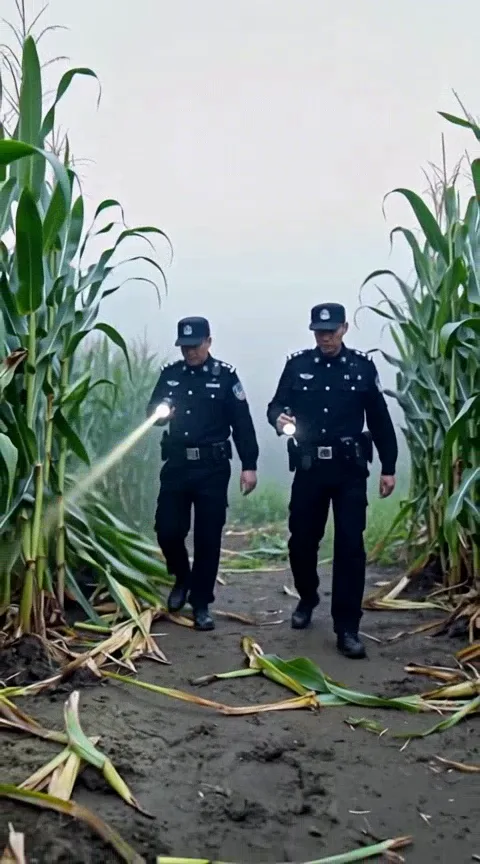 Single shotFrom ~14 credits
Haunted House POV
Follow a tense point of view through an eerie interior.
Text
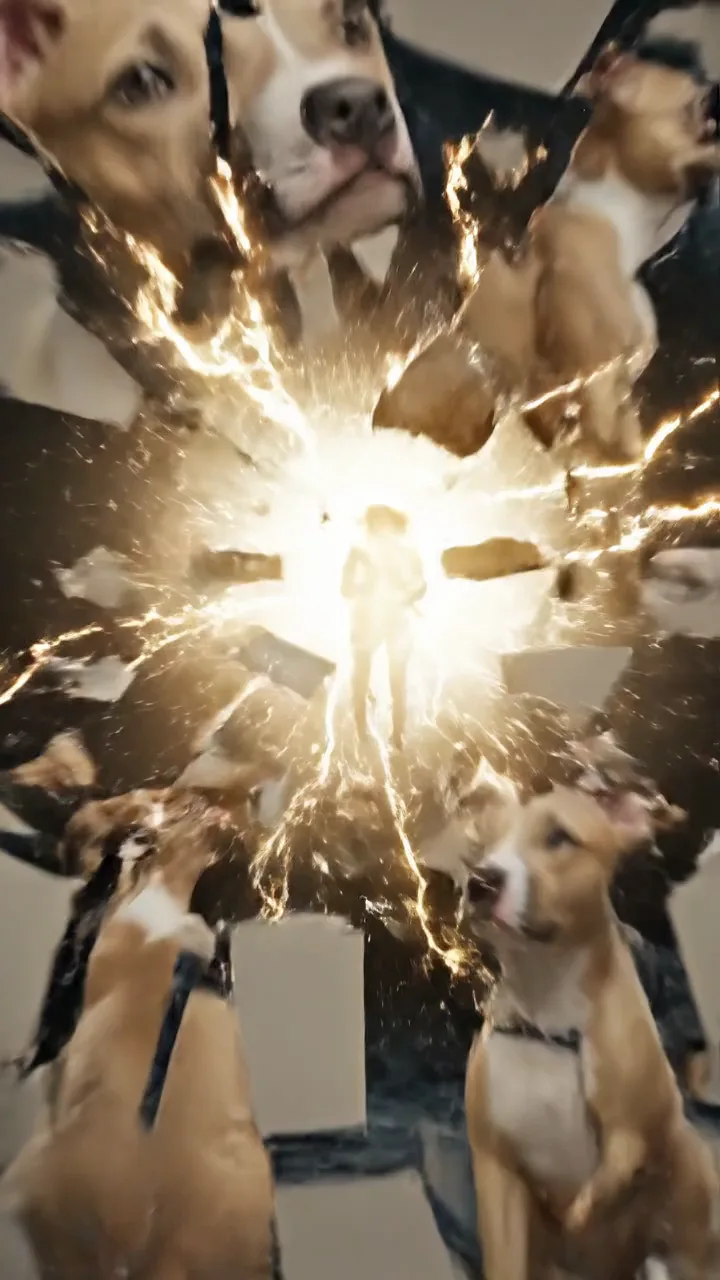 Single shotFrom ~14 credits
Zombie Apocalypse
Set a survival scene against an abandoned city.
Text
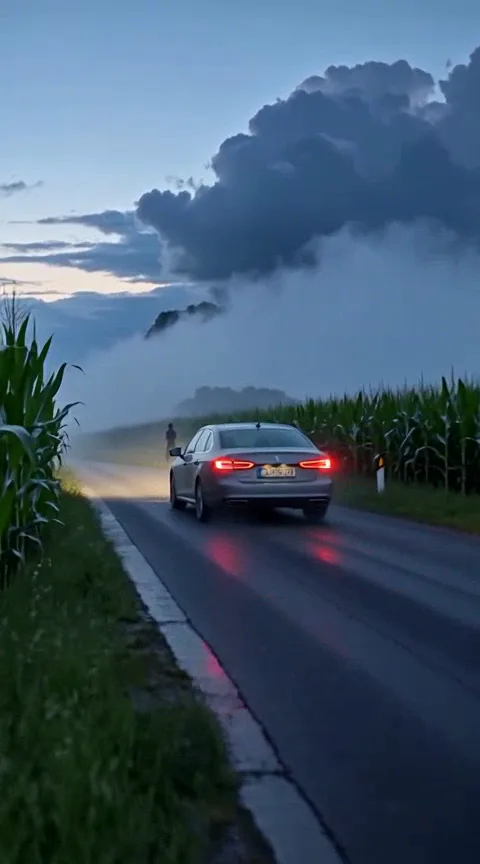 Single shotFrom ~14 credits
Dark Alley Suspense
Use darkness, distance and a reveal to build tension.
Text
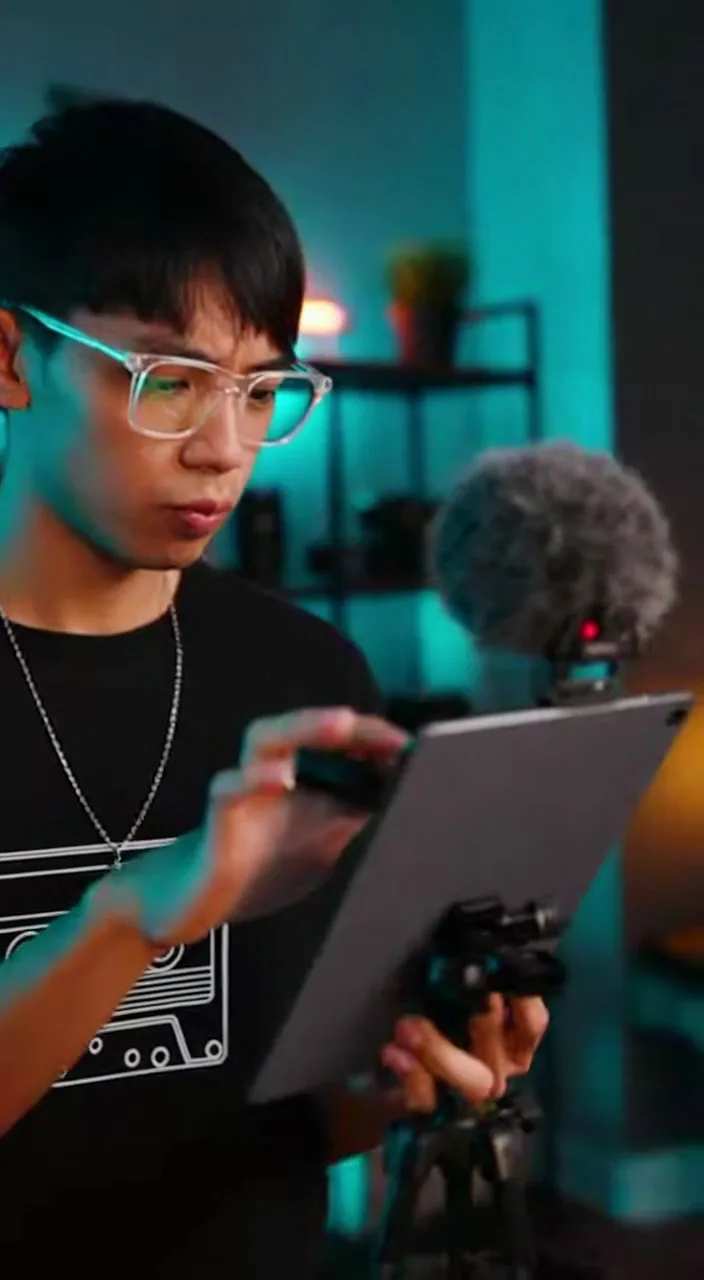 Single shotFrom ~14 credits
TikTok / Shorts Vertical
Plan a compact vertical shot with a clear visual hook.
Text
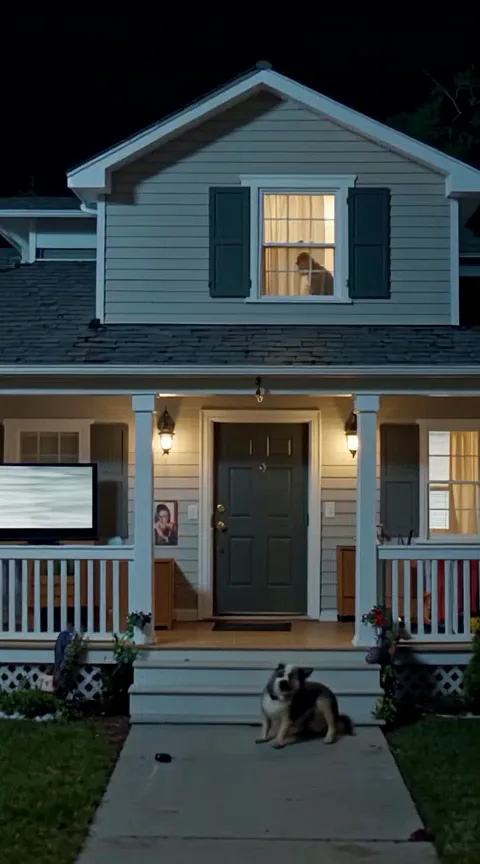 Single shotFrom ~14 credits
POV First Person
Describe an action from the viewer’s point of view.
Text
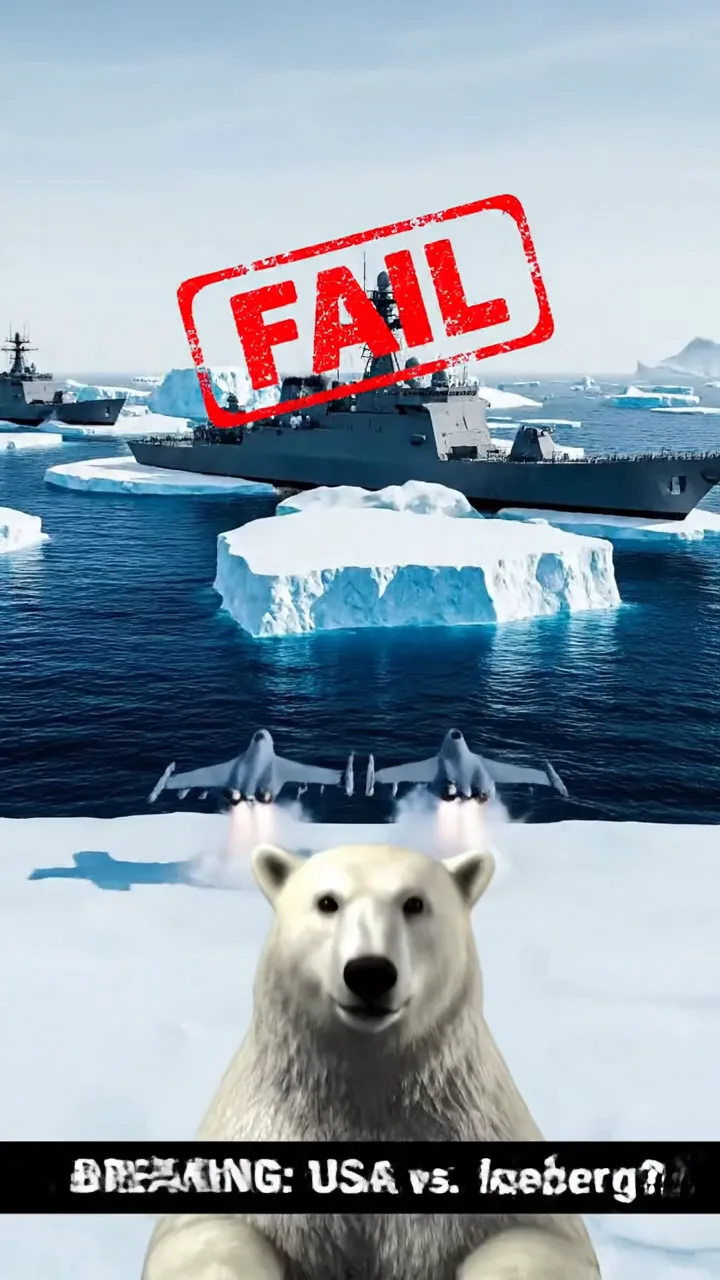 Single shotFrom ~14 credits
Story Hook + Twist
Establish an expectation, then reveal a different outcome.
Text
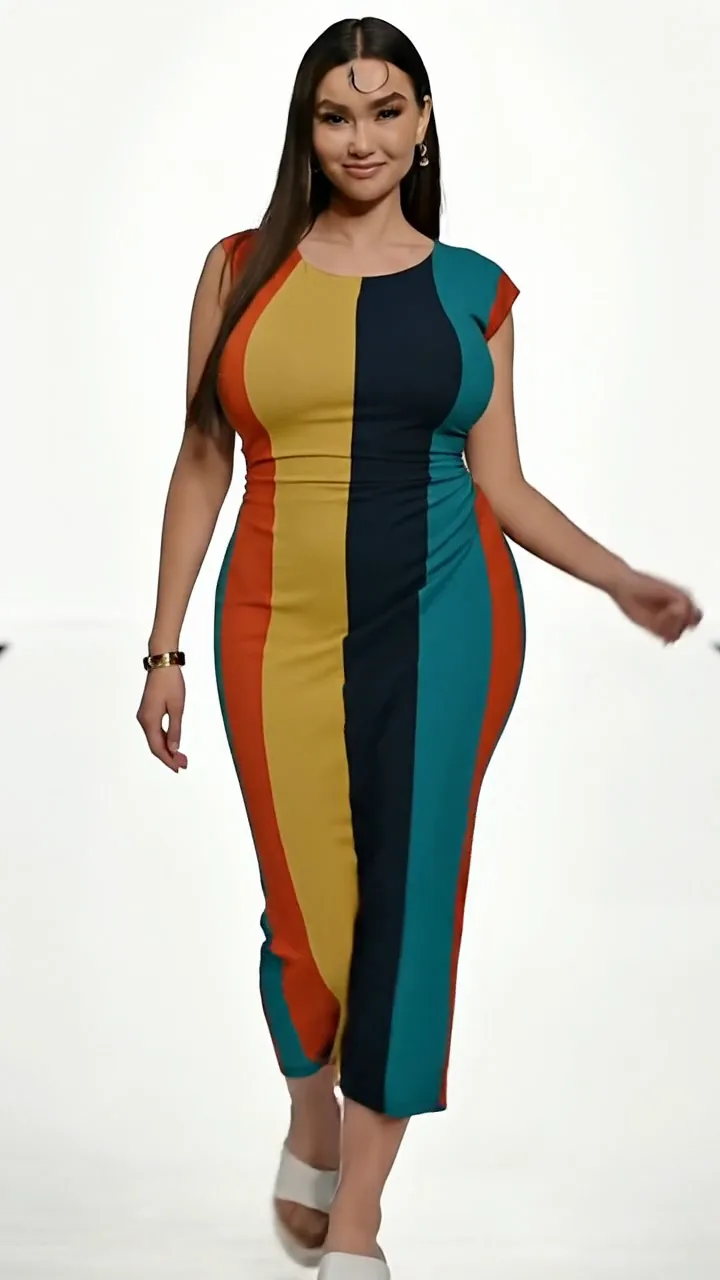 Single shotFrom ~14 credits
Fashion Runway Walk
Give a runway walk a defined outfit, pace and camera.
Image
 Single shotFrom ~14 credits
Beauty Makeup Close-up
Explore makeup detail, lighting and close-up movement.
Image
 Single shotFrom ~14 credits
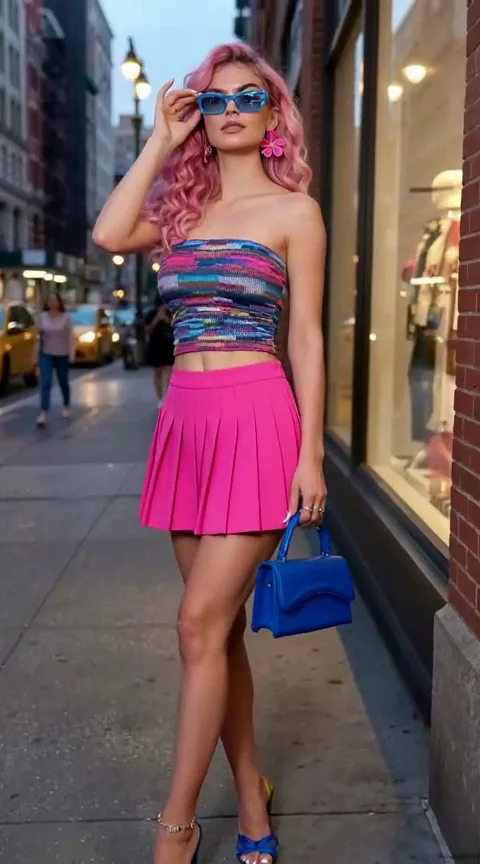
Glamour Portrait
Create a styled portrait direction with controlled motion.
Text
 Single shotFrom ~14 credits
Glow Up Transformation
Plan a portrait transformation and review identity across frames.
Image
 Single shotFrom ~14 credits
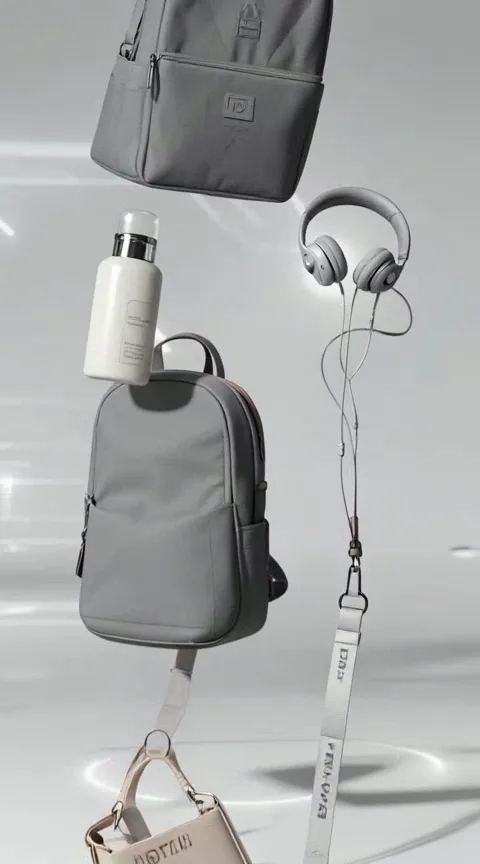
Product Showcase
Guide a camera move around a clearly framed product.
Image
 Single shotFrom ~14 credits
Tech Product Ad
Present a technology product with a focused hero shot.
Image
 Single shotFrom ~14 credits
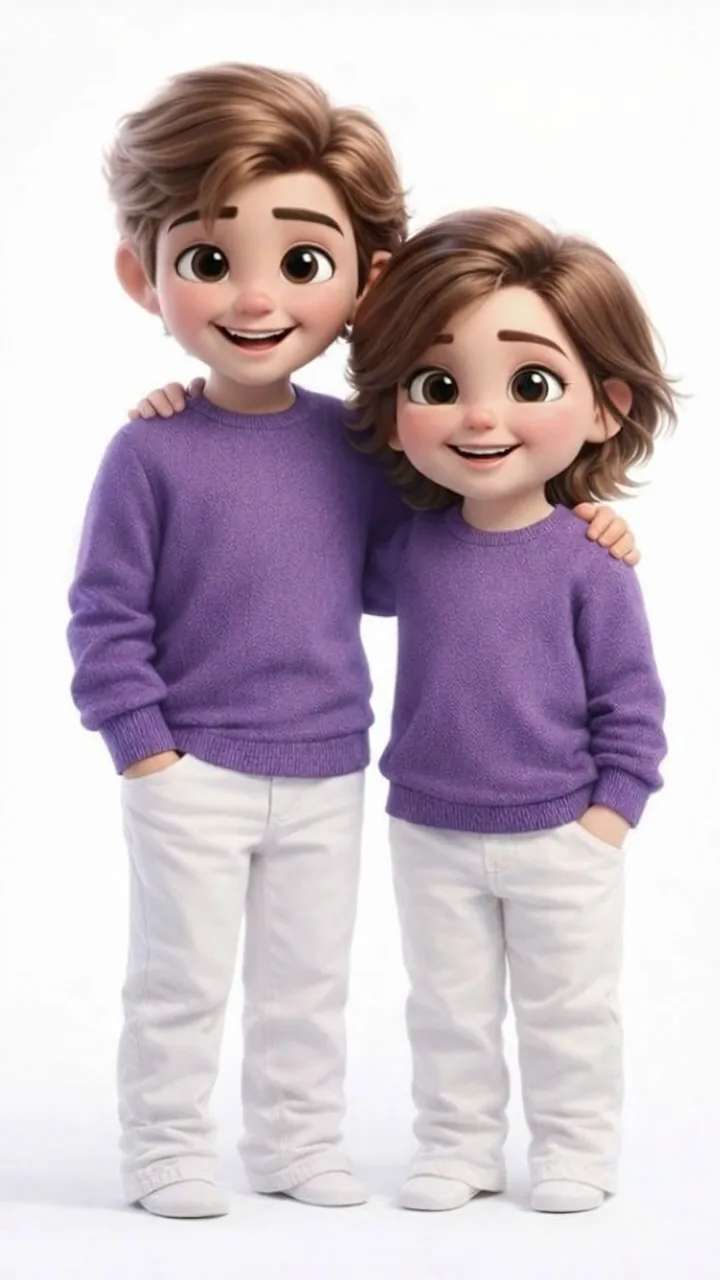
Skincare Product Ad
Explore product texture and detail in a skincare shot.
Text
 Single shotFrom ~14 credits
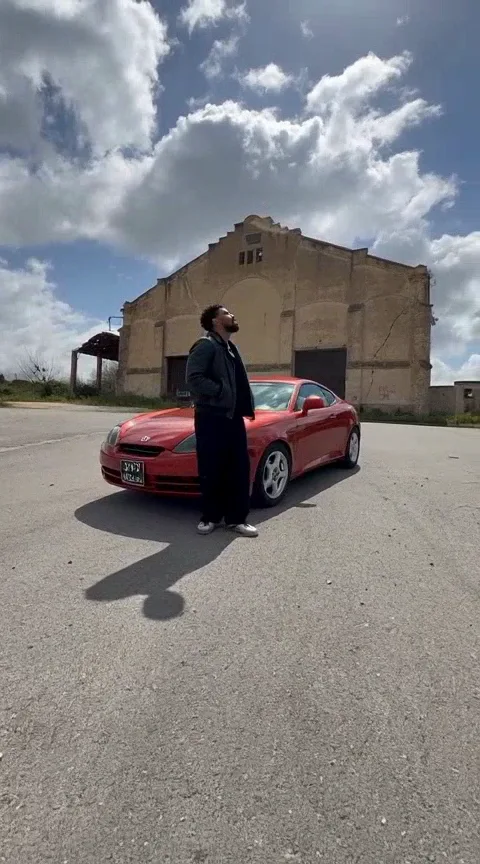
Animate Photo (Subtle)
Add restrained movement to a still portrait or scene.
Image
 Single shotFrom ~14 credits
Photo + Camera Move
Describe a push-in, pan or parallax move from a photo.
Image
 Single shotFrom ~14 credits
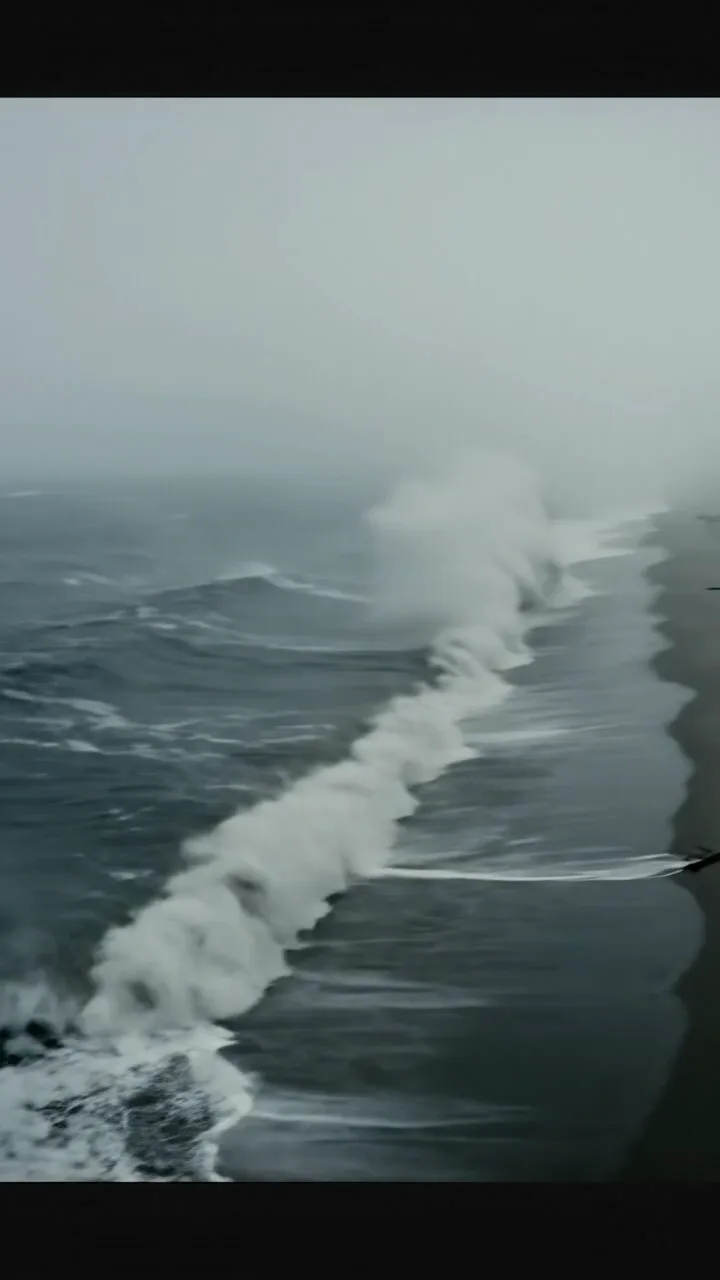
Ocean / Beach
Set the mood of a coastline through light and motion.
Text
 Single shotFrom ~14 credits
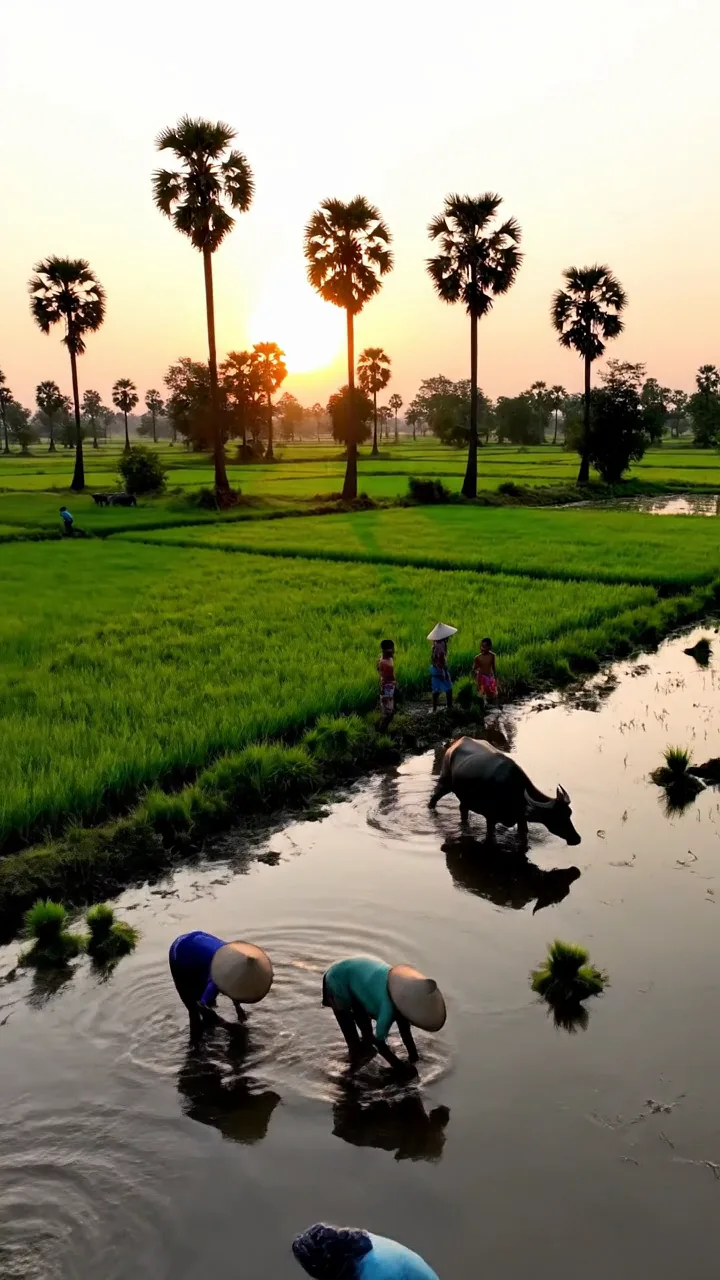
Golden Hour Landscape
Explore warm evening light across a landscape.
Text
 Single shotFrom ~14 credits
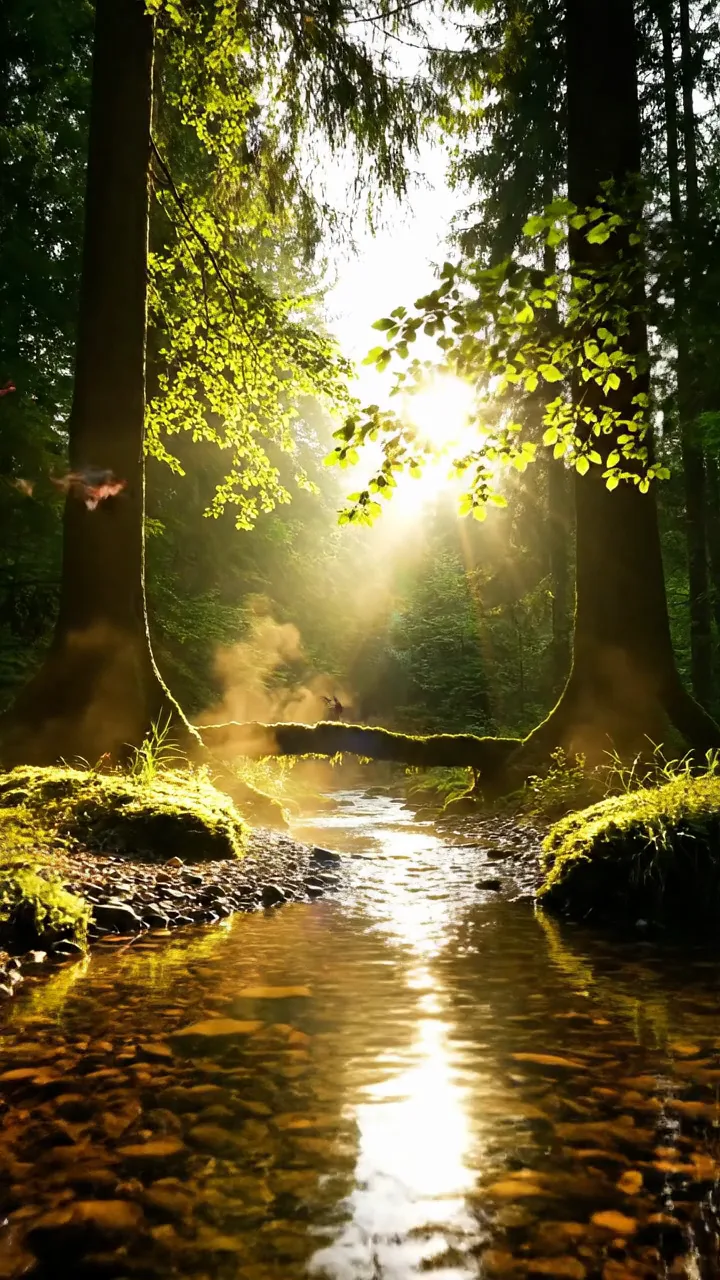
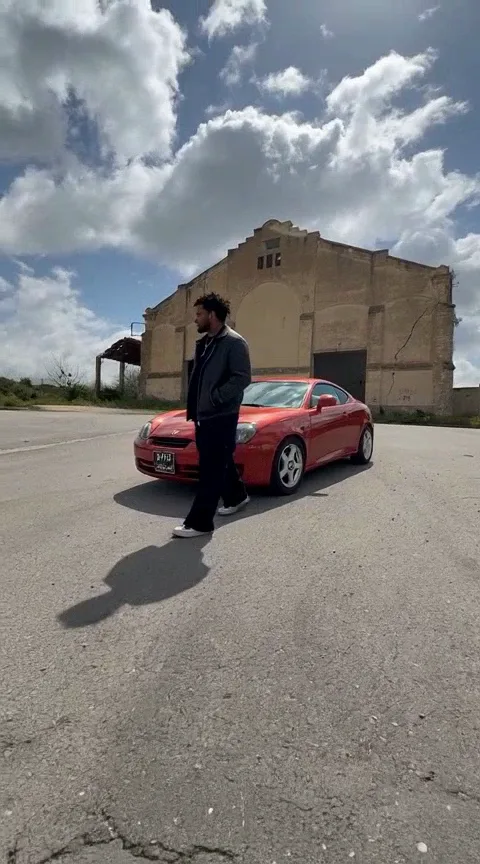
Forest Walk
Plan a forest shot with atmosphere and camera direction.
Text
 Single shotFrom ~14 credits
Aerial Drone View
Describe an aerial path across a landscape.
Text
 Single shotFrom ~14 credits
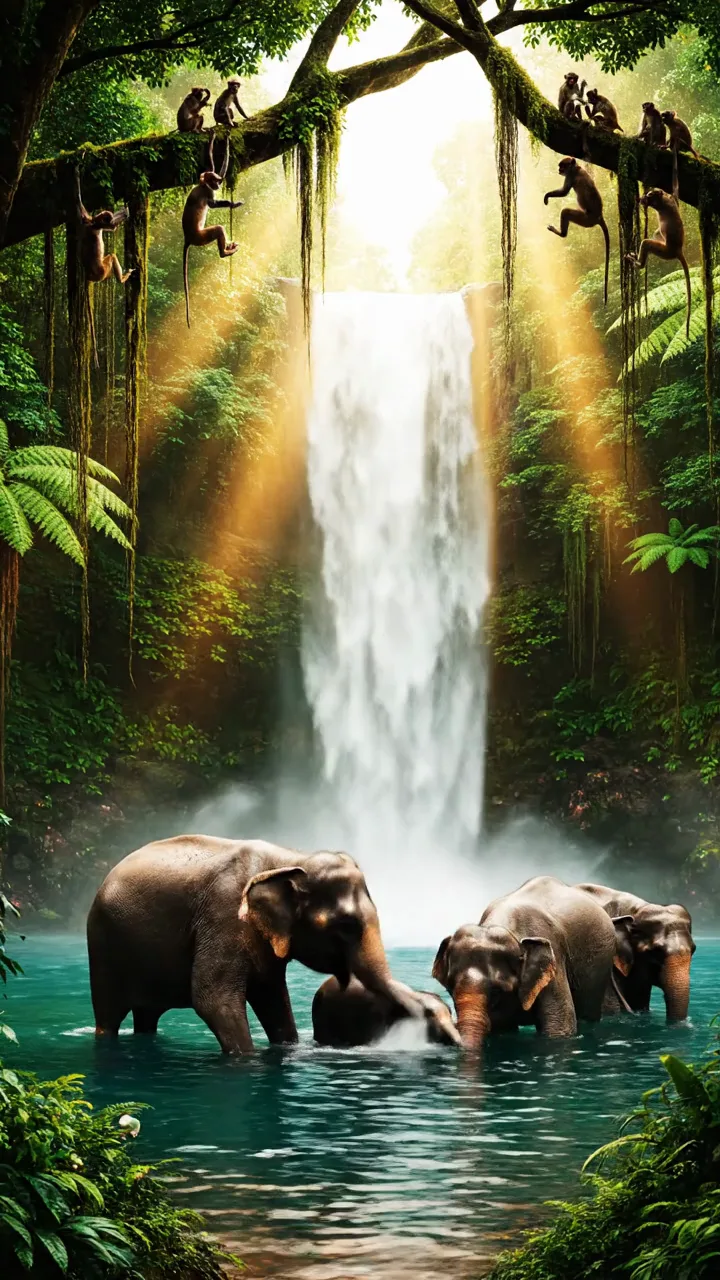
Waterfall
Combine falling water, mist and a clear composition.
Text
 Single shotFrom ~14 credits
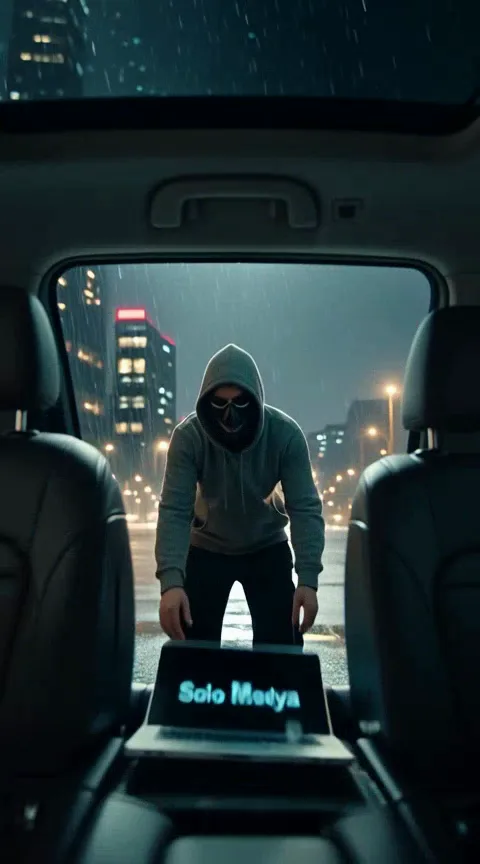
Rain Atmosphere
Explore rain, reflections and movement in a moody scene.
Text
 Single shotFrom ~14 credits
Cute Cat Video
Give a cat scene one simple, readable action.
Text
 Single shotFrom ~14 credits
Dog Daily Life
Build a small everyday moment around a dog.
Text
Open a workflow to edit its brief, review inputs and settings, and check the current credit quote before running. Card prices are starting estimates.
Choose a workflow for your material
How do I choose a workflow?
Start with the visual direction in the preview, then filter by the material you have: text, an image or both. Open the workflow to review its specific fields before generating.
Are card prices the final generation cost?
No. They are starting estimates. The workflow form provides the current quote for the selected settings; duration, resolution, model and shot structure can affect it.
Does opening a workflow spend credits?
No. Browsing, searching and opening a template do not submit a generation. Review the workflow form and quote before starting a task.
Will my video match the preview exactly?
No. A preview illustrates the intended direction, not a guaranteed output. Your inputs, settings and model behavior can change the result.
What is the difference between single-shot and multi-shot?
Single-shot workflows focus on one clip. Multi-shot workflows use a sequence of shots where supported. Open the template to inspect its structure and input requirements.
What if I do not have the required image?
Choose a workflow that accepts text, or prepare a suitable source image before starting an image-based workflow. Do not assume every template accepts the same materials.